Putting, decoded.
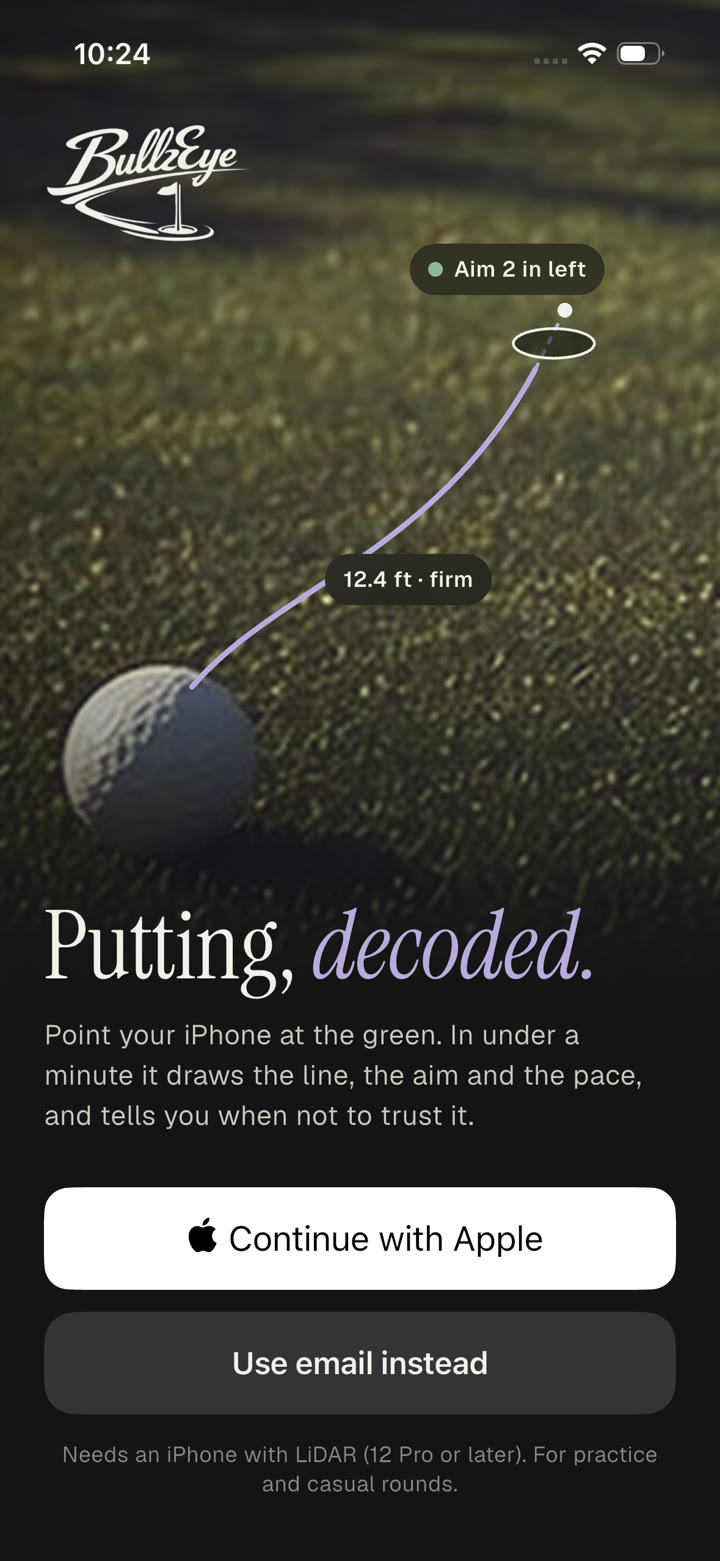
Point your iPhone at the green. In under a minute it draws the line, the aim and the pace, and tells you when not to trust it.
Needs an iPhone with LiDAR (12 Pro or later). For practice and casual rounds.
Under a minute
From the first step to a line on the green.
On your phone
Reads the green in front of you. Nothing is pre-mapped.
Line, aim and pace
Where to start it, and how firm to hit it.
Honest by design
Asks you to rescan instead of guessing.
How it works
Walk it once. Then putt.
No mapped course, no extra hardware. The LiDAR scanner in your iPhone reads the green in front of you, on the phone.
- 1
Step 1
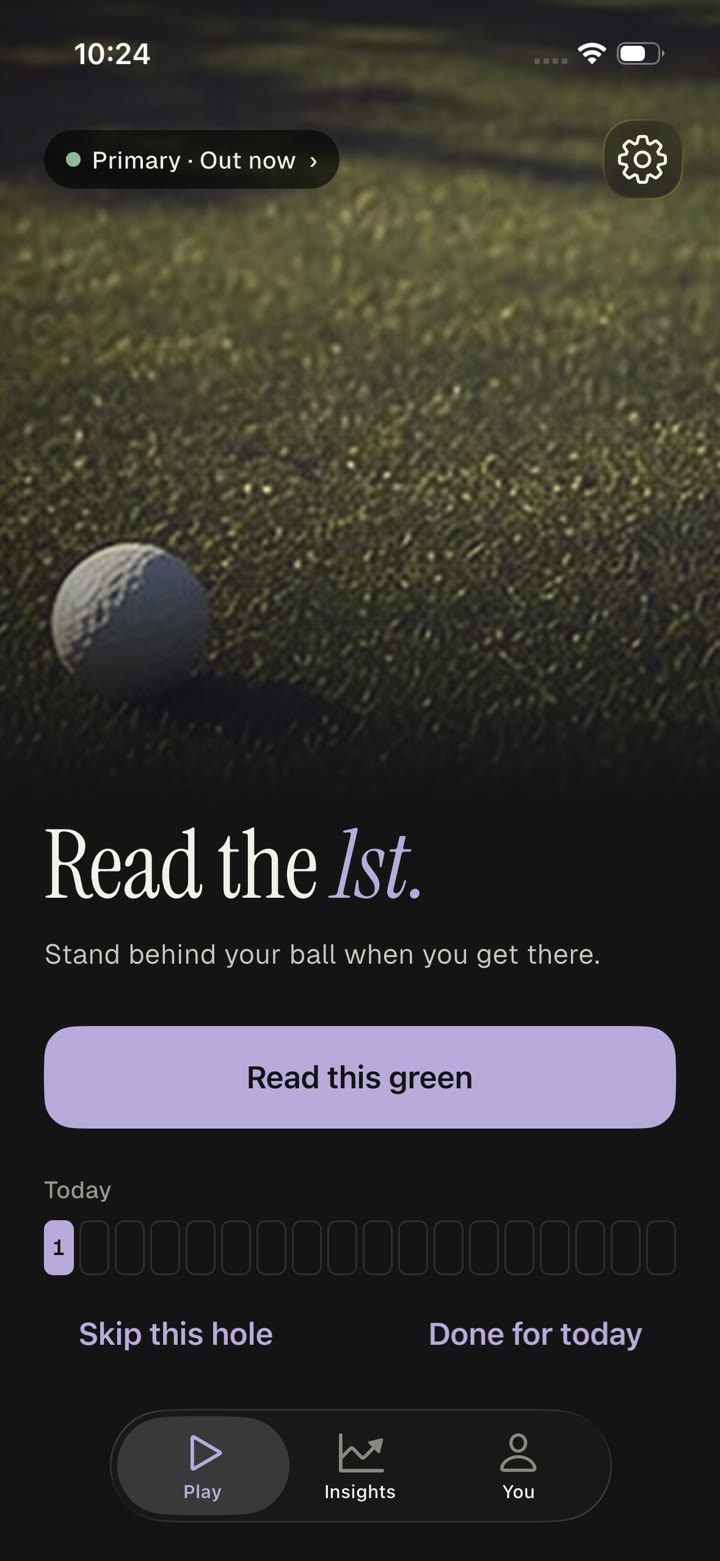
Stand behind your ball
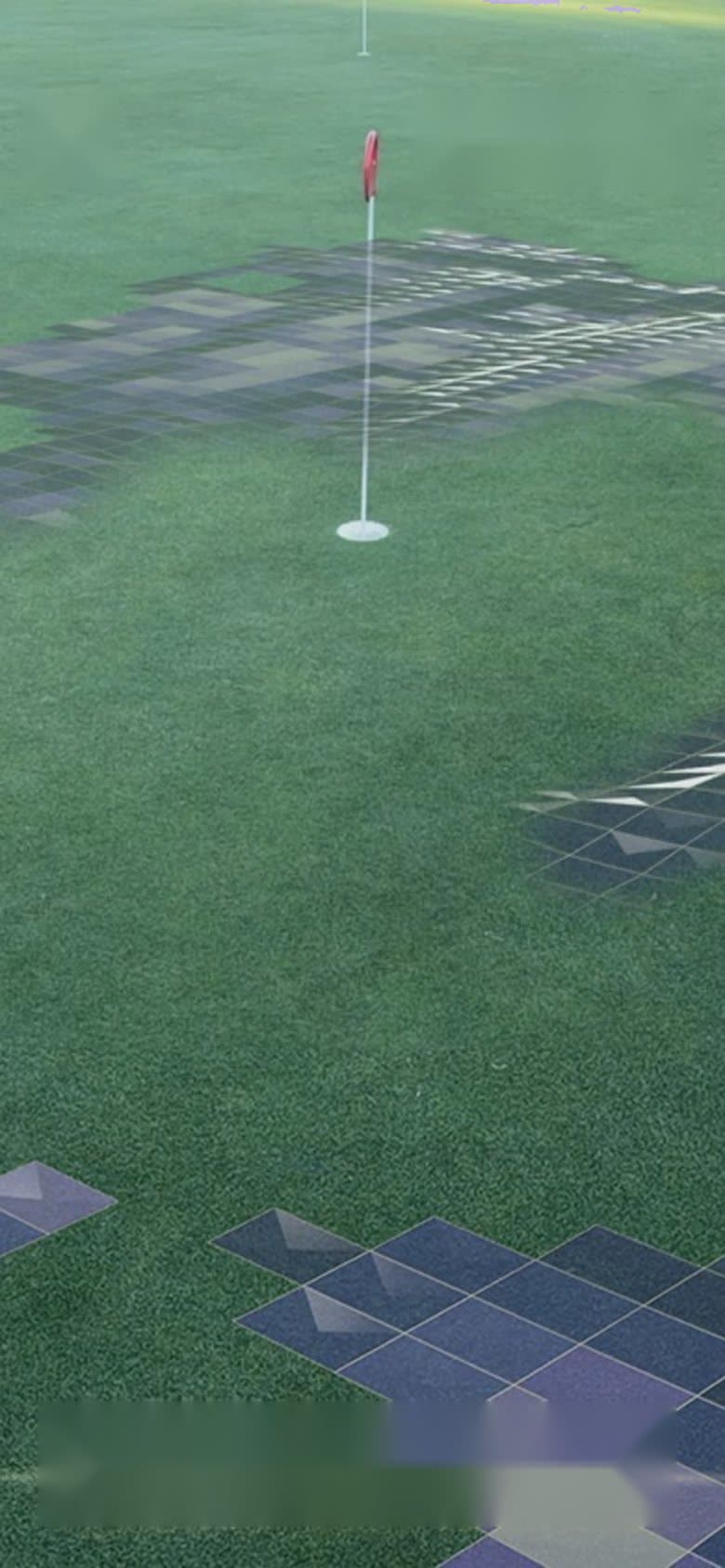
Start a round, or just read one green. When you get there, stand behind your ball.
- 2
Step 2
Walk the line
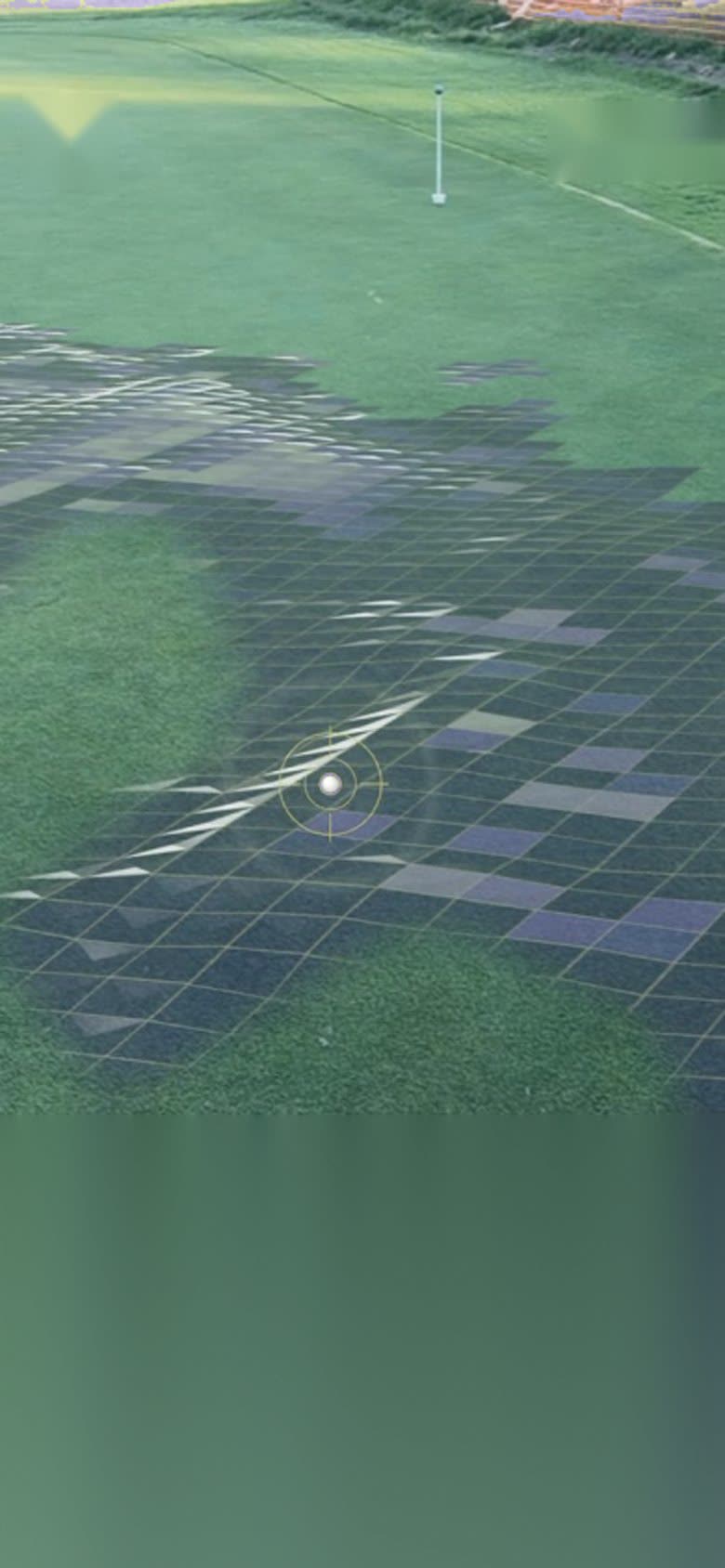
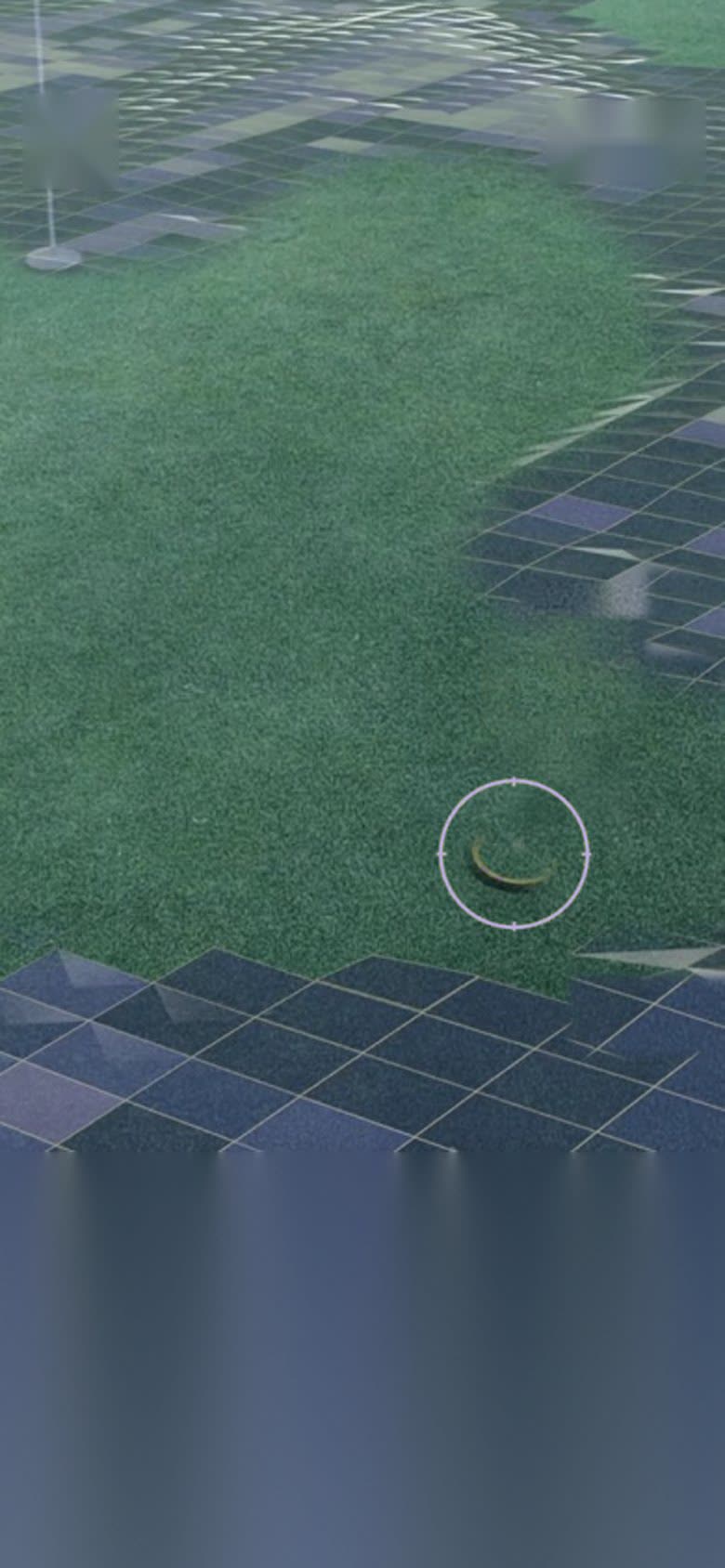
Phone at chest height, tilted at the green. Walk slowly to the hole while the tiles fill in as the phone reads the slope. It takes about 45 seconds.
- 3
Step 3
Putt with a plan
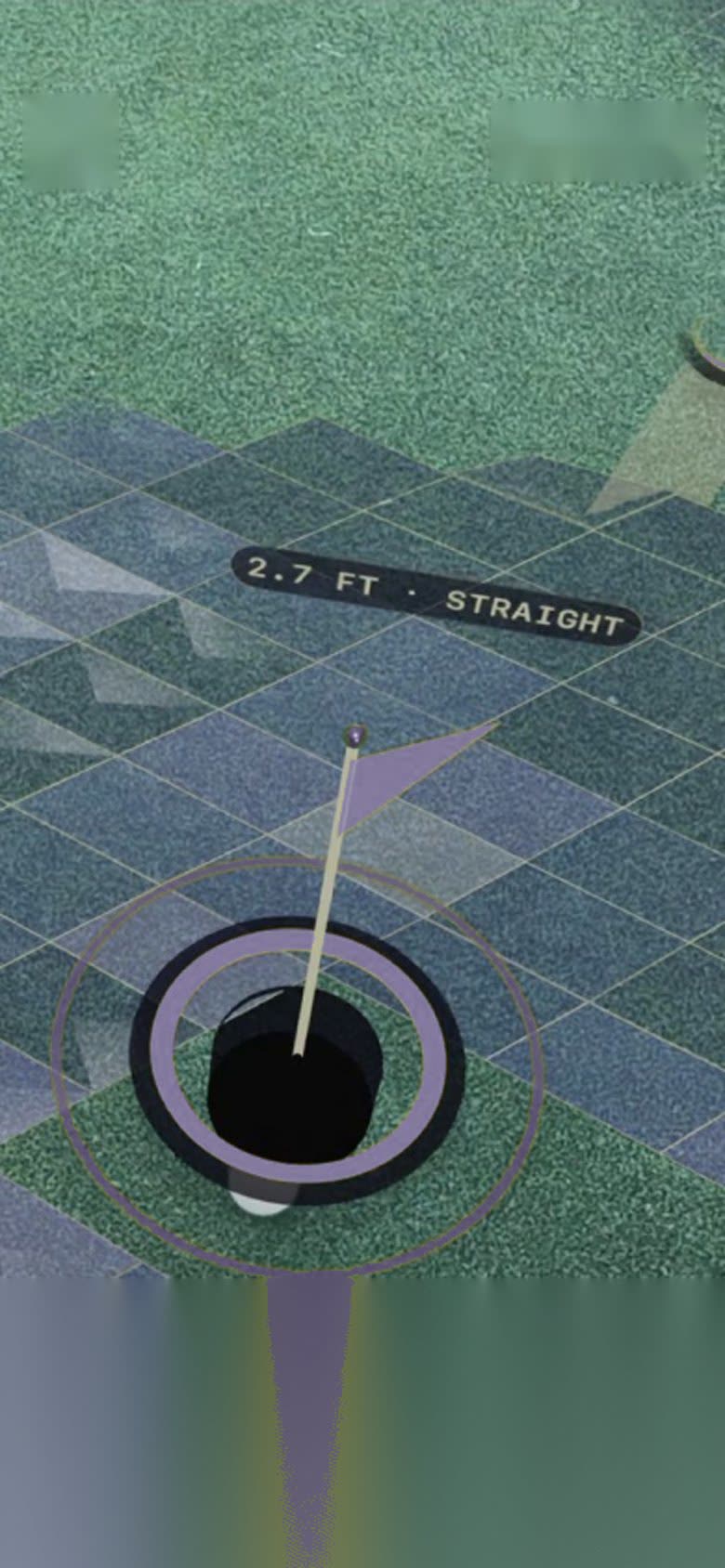
Confirm the ball and the hole. The line, the aim point and the pace are drawn right on the green.
- 4
Step 4
See how it rolled
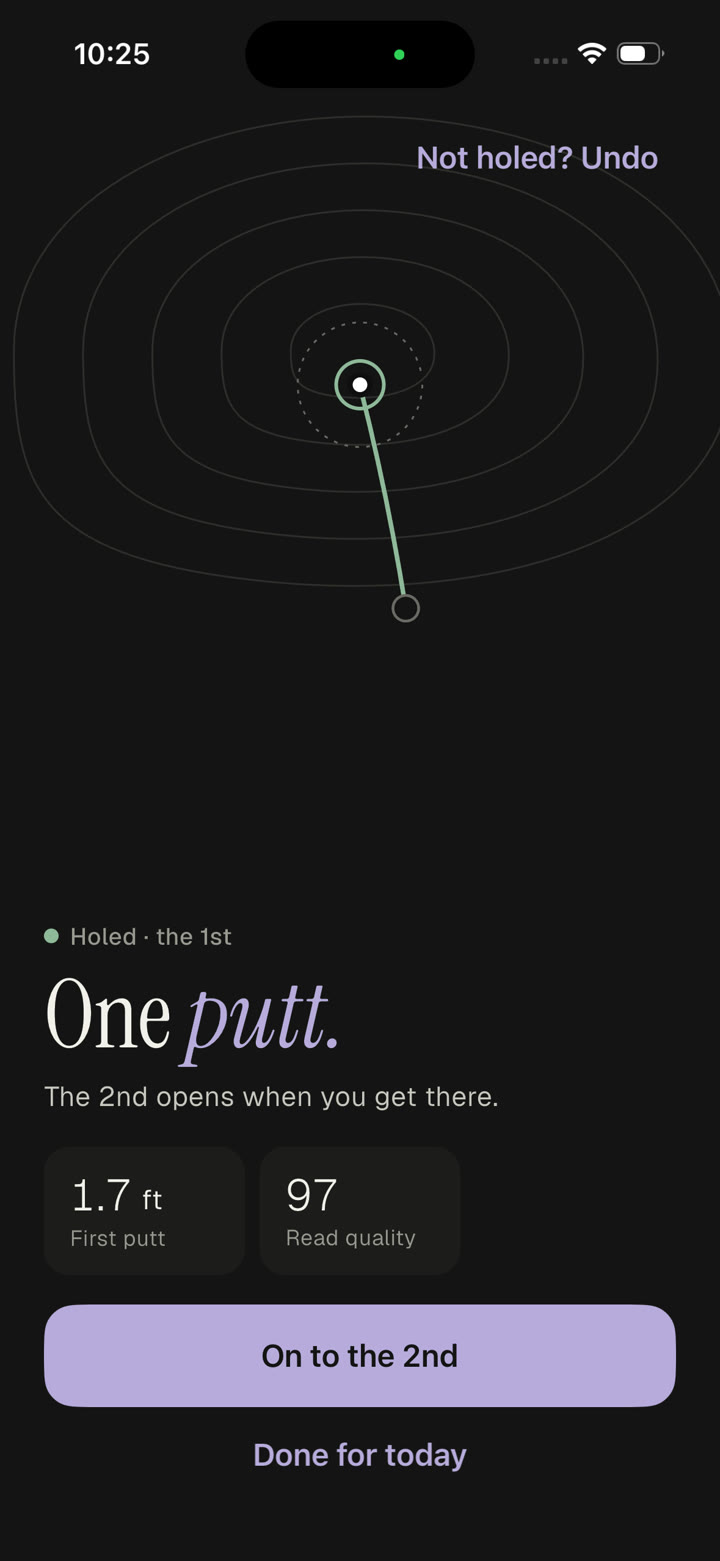
Holed or not, each putt is kept. One tap and you’re on to the next hole.
The scan
Watch it read the green.
About 45 seconds, start to finish. Mark the ball, mark the hole, then walk the line between them.
The read
Built to refuse a wrong answer.
Any app can draw a line. BullzEye only draws one it can stand behind. When the scan isn’t clean enough to trust, it says so and asks you to walk it again.
 Ready
Ready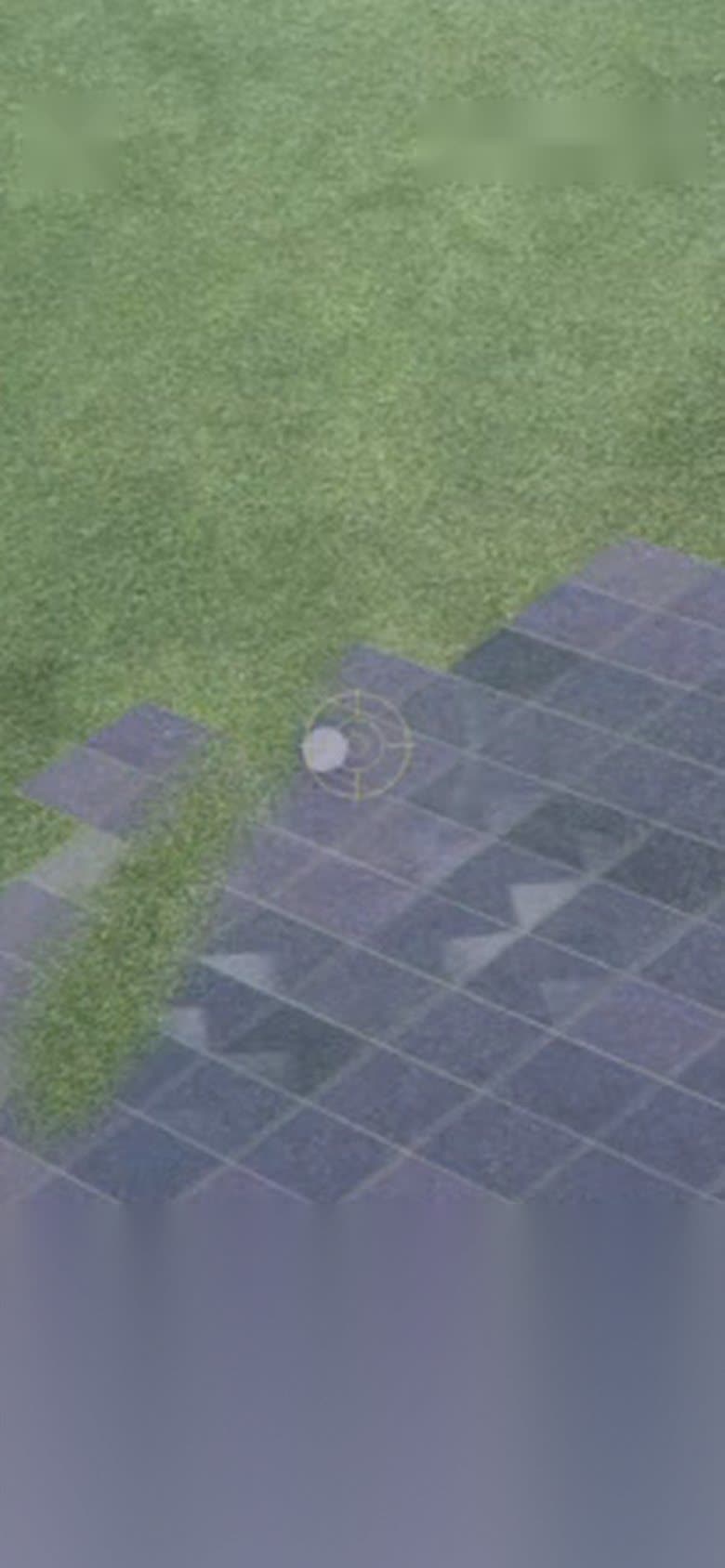 Reading…
Gap to your left — sweep over it
Part of the green isn’t read yet
- A confidence check on every read
- If the read isn’t clean enough to trust, BullzEye says rescan rather than showing you a wrong line.
- Pinned to the rulebook
- Anchored to regulation golf geometry and published putting physics.
- A caddie, not a report card
- One calm line at a time, in plain words, the way a good caddie would say it.
After the putt
Know your putting.
Dusk.
Evening rounds
Daylight.
Full sun
1.7ft
First putt
1
Putts
2in left
Break
Firm
Pace
Why we built it
Not to take the game out of golf. To take the guessing out of it.
And when we can’t be certain, we say as much. We would sooner be honest than wrong.
Read our storyEarly access
Get on the line.
Join the list for the invite-only TestFlight beta. We want golfers in the field helping us build it, standing over a putt and second-guessing the read.
- A LiDAR iPhone is all you need. 12 Pro or later.
- Shape the read before it reaches the App Store.
- Invites go out by email, through TestFlight.